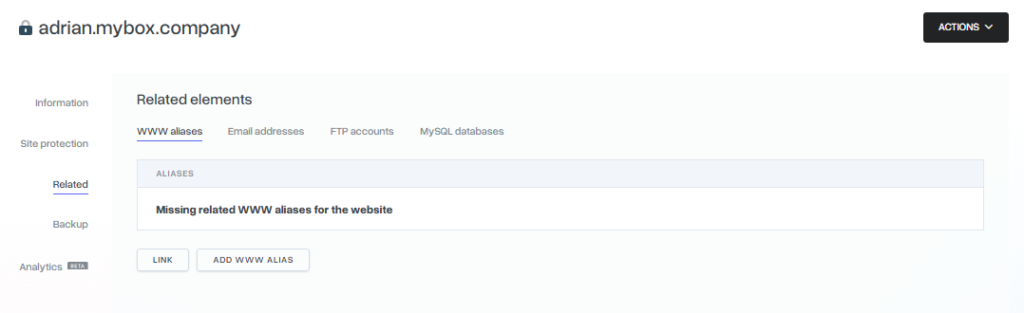
In mybox, related elements are a structural way to organize your services by linking FTP accounts, MySQL databases, email addresses, and web aliases to a specific website.
Linking these elements does not affect how your website functions technically; it is a management tool designed to keep your dashboard organized, especially when managing multiple projects.

How it works
When you create a new website using the Advanced option, you can choose to create an associated FTP account and MySQL database simultaneously. Once created, the login credentials for these elements are accessible directly through the website’s management view.
You can also link existing elements at any time. For example, if you have an email address used specifically for a certain project, associating it with that website allows you to see all relevant services in one place.
Table of Contents
Distinction Block
Link ≠ Dependency Creating a link is not required for your website to work. If you delete a website, the related elements (databases, FTP, or email) are not deleted. They remain active in your account but will no longer be “tagged” to that website.
Practical Implications
- Centralized Management: In the Websites tab, selecting a specific page allows you to see all associated FTP accounts, databases, and aliases under their respective tabs.
- Quick Actions: From the associated tabs, you can directly change passwords, modify access paths, or create new linked accounts without navigating through different sections of the dashboard.
- Scalability: This feature is most useful if you manage a large number of databases or accounts, as it allows you to filter and find credentials based on the project they belong to.
- Flexibility: You can add, change, or remove these associations at any time without risking service downtime.