


After logging in to the mybox webmail and going to tasks by clicking the orange icon , clicking the key icon above the task list, you can choose the sorting direction (ascending or descending)
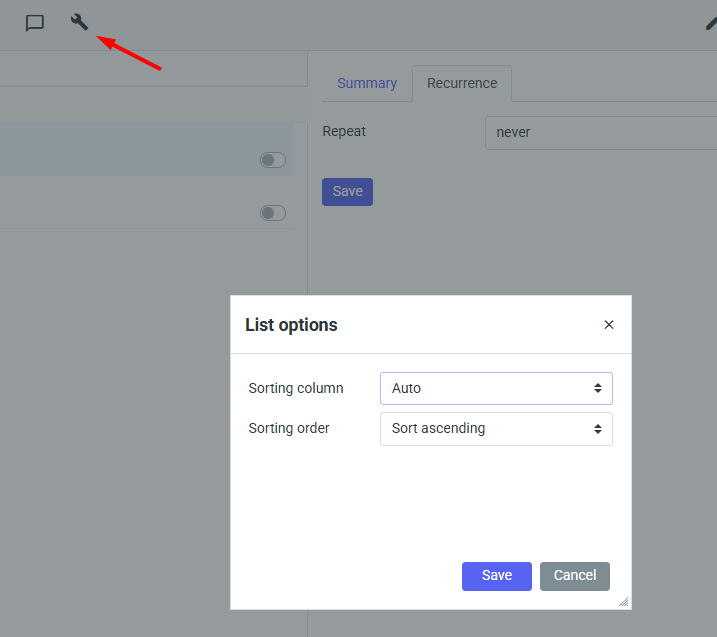
And sort order by.
- deadline
- start, i.e. the beginning of the task
- flags
- degree of progress
- last modified


By clicking on the form with the magnifying glass, you can search for your tasks, which is especially useful when there are already several dozen or several hundred of them on the list.
