


You may receive a 550 SPF error message if your domain is not configured correctly, specifically does not contain or contains an incorrectly set “SPF” (Sender Policy Framework) entry, the purpose of which is to provide additional information to the server receiving messages from you that the message was actually sent from mybox.com and there is no impersonation attempt.
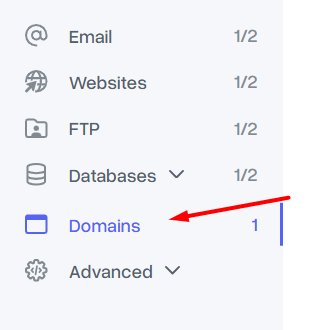
If you have parked a domain in mybox.com, the “DNS Zone” of the domain that should contain such an entry is generated automatically, so there is no need for additional configuration. The same applies to domains registered in mybox.com. Still, if you want to verify or modify entries of this type, after logging in the mybox panel, go to the “Domains” section.


Then, from the list of domains, click on the one of your choice and go to the “Parked” tab, after which select the “Manage DNS” button
On the page that appears assuming that the domain is registered or has been parked in mybox.com and no changes have been made, you should see the following entries.

Make sure they match the screenshot, so the MX records are aimed at:
mx-1.mybox.com
mx-2.mybox.com
On the other hand, the SPF record is in the form of:
"v=spf1 include:_mail.mybox.com ~all"