


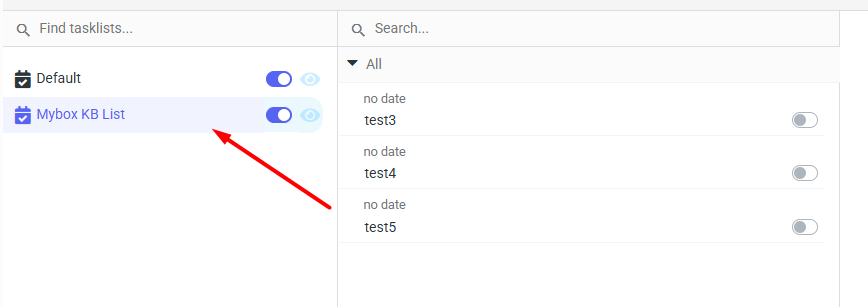
After logging in to mail.mybox.com and going to tasks by clicking the orange icon , in the middle column you will find tasks that have been previously created, and in the left column you will find a list of tasks.
To move a task to another list, simply click on it (grab it with the mouse) and drag it to the selected list.

Another option is to double-click on a selected task to open its full edit window. Here, you can also modify the list to which the task is assigned.
