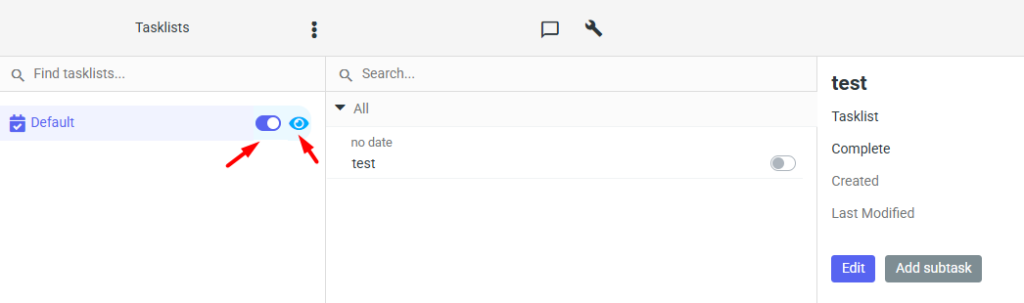
After logging in to the mybox webmail and going to tasks by clicking the orange icon , on the left you will find lists of tasks that have been previously created.
Here, by clicking the slider icon you can activate or completely hide the selected list, and by clicking the eye icon you can display only the tasks from the specified list.