


To import or export, go to your calendar after logging in to your mail.mybox.com inbox. In the left column, hover over the calendar and click the pencil icon that appears on the right.
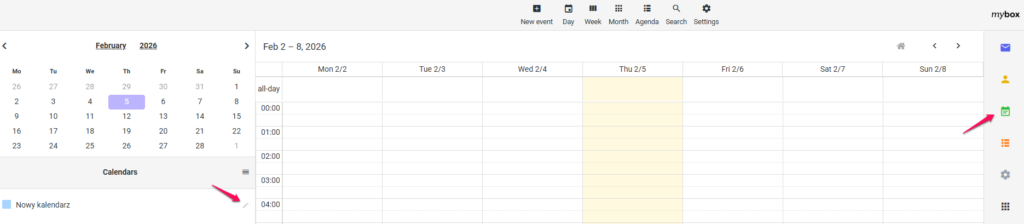
On the page that loads, you will find the “Share calendar” tab and within it the option to add the person you want to share the calendar with along with the permissions you want to give to such a person. In the leftmost field, add the colleague’s email address, then check the fields related to permissions and click the “Share” button.
