


In the main list, you have the option to temporarily block your account, or delete it completely using the Action button and selecting Block and Delete, respectively.
To temporarily block a selected user from accessing the account (without modifying or deleting the account), select the Block button next to the name. You can undo the restriction by clicking on Unlock.
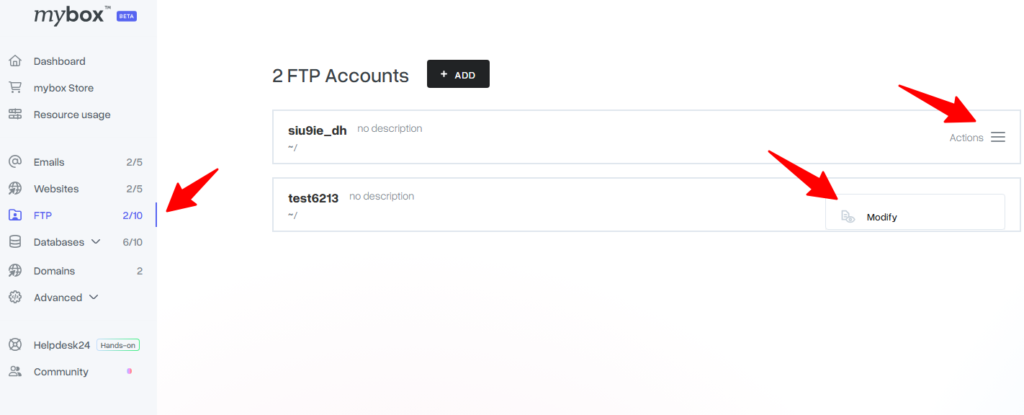

To change your home directory or password, click on the Edit button next to the selected login. A form will open where you can change your settings.

Sometimes you need to change the passwords for all accounts to a uniform one. To do this, click on the Change password for everyone option below the list of FTP accounts, and then enter the new password twice in the form. Once you have approved with the Change All Passwords button, the operation will be performed.

It is also possible to block all accounts. To do this, select the Block all accounts option located under the list of FTP accounts.
