


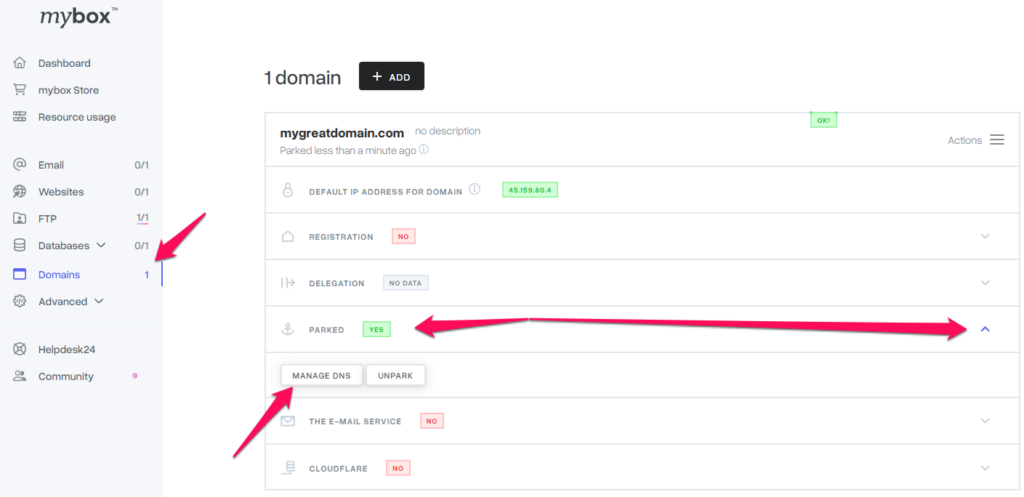
To redirect mail to another provider, after logging in to the mybox panel , go to the Domains section.
Then click on the domain name field to expand additional items. There, select Parked and click Manage DNS.

On the page that appears, on the right, click the Action button and select one of the redirect options. You can choose mybox.com that is, setting/restoring default settings, gmail and office 365. If it’s a different provider, you’ll need to manually enter the addresses of the mail servers. Each server must be entered on a separate line.
