


By installing the WordPress CMS from the the mybox panel, you automatically get the ability to manage additional server-level protection that includes references to XML-RPC and to the WordPress backend available by default at yourdomain/wp-admin
This protection is based on geolocation and by default accepts access only from Romania, but we are aware that editing and managing the website does not have to take place only from our country.
How to manage?

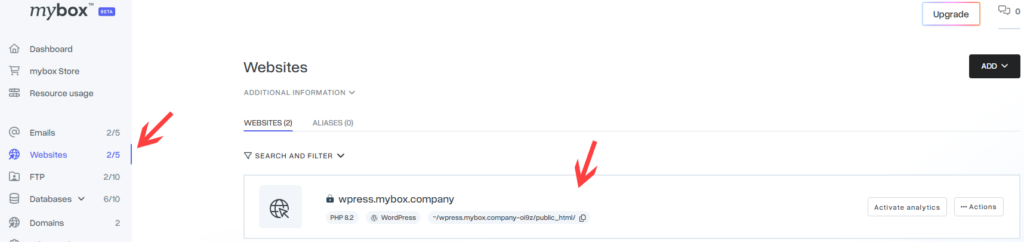
Log in to the website: https://panel.mybox.comand there go to the Websites section.
Then select your website from the list
Under Site Protection tab, you will find out if the protection is currently active and which countries it covers. By clicking the Edit button, you can make modifications.

Once you have made your edits, i.e. selected the countries that will be allowed to communicate, click the Save button.
