


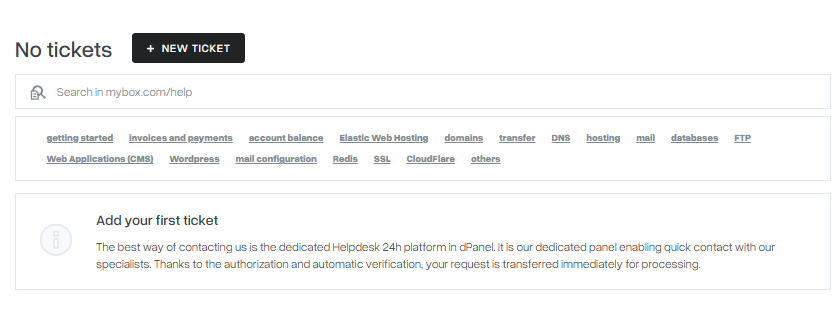
The fastest way to get help is through the Helpdesk 24h built into your mybox panel. Once you’re logged in, your identity is verified automatically - so you can submit a request without filling in your account details manually.
Helpdesk 24h handles questions about:
- Technical issues – how your hosting, email, or website works
- Service selection – help choosing the right plan or add-on
- Billing and invoices – payments, receipts, and account charges
- Account changes – plan upgrades, contract terms
Table of Contents
Community support

You can also reach our team and other users through the mybox Discord channel. mybox team members actively participate in discussions – for general questions, it’s often the fastest way to get a practical answer.
For account-specific or sensitive matters, conversations may be redirected to Helpdesk 24h to ensure proper handling and data protection.
How to submit a request:
- Log in to your mybox panel
- Go to Helpdesk 24h
- Click New ticket
- Fill out the form and click Send
After submitting, you can track your ticket status directly in the Helpdesk 24h section. You’ll also receive a confirmation by email.

Helpdesk Assistant
On the One Box plan, ticket responses are handled by Helpdesk AI Assistant - available 24/7 directly in the panel. It reads your message and responds to your question within the ticket thread.
If your issue requires human support, access to technical expert consultants is available through the Support add-on.