


PGP (Pretty Good Privacy) is a cryptosystem (i.e. an encryption and decryption system) created by Phil Zimmermann. It works on the principle of using the public key.
Generate a PGP key in mail.mybox.com
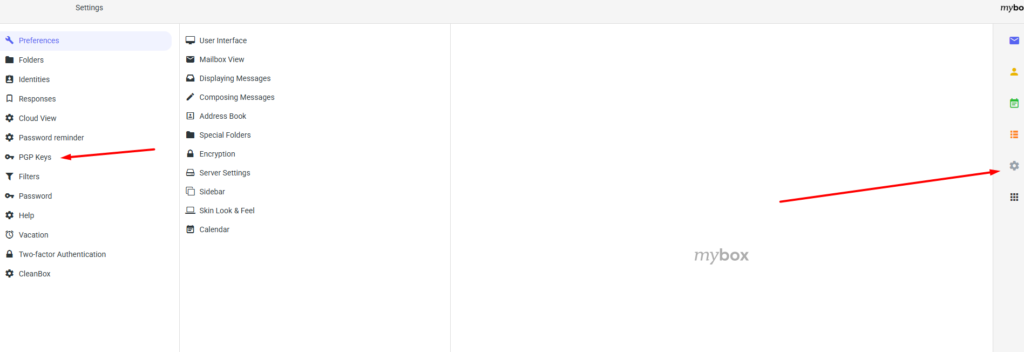
1. Log in to mail.mybox.com and then go to the settings by clicking on the button with the “gear” icon on the right.

2. Then, in the menu on the left, select the “PGP Keys” option.
3. At the top of the page that will load, you will find a “pencil” icon under which there is an option to create a new key.

4. In the fields of the form that appears, enter twice the password that will be used to verify the key. You can leave the size of the key unchanged.

5. After generating the key, you will notice that a new item has appeared in the middle column. This is the identity associated with the generated PGP key. When you click on the identity, details will appear, including the ability to download keys to install them in client applications under the “clouds” icons.
