


To manage the CRON service in the the mybox panel, select Advanced, and then CRON Tasks.
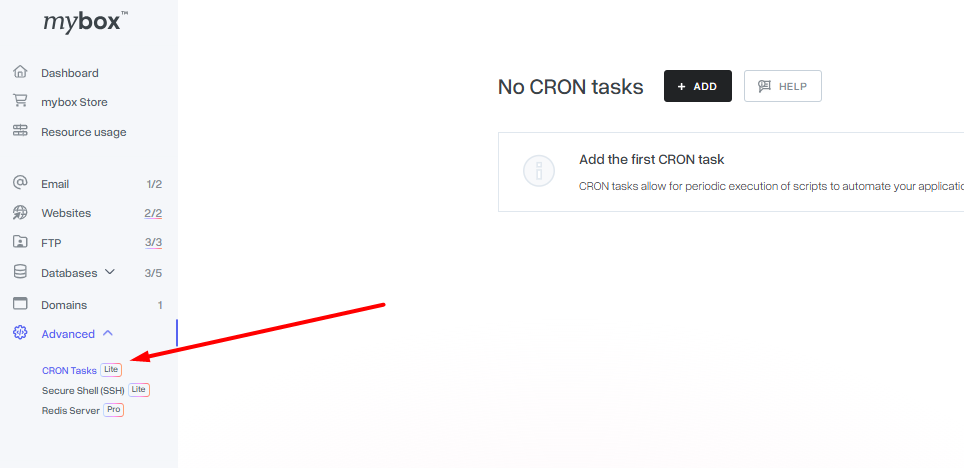
A window with active CRON jobs appears.

The CRON service allows our Users to periodically call up tasks specified by them. It is mainly used to simplify administrative work by automating the initiation of specific operations at a specific time.
In mybox.com, this service is implemented by specialized mechanisms that extend the capabilities of the standard Linux CRON service, among other things, by recording the results of events (a log of executed CRON tasks, which is available via the mybox panel) and the ability to separate the resources available for each task, such as the maximum CPU time, allowed RAM, or the maximum time of task execution. Thanks to the use of such a solution, our Users do not have to worry that a poorly defined, task performed in the background will completely overload the resources available to them and prevent the operation of other services.