


The mybox panel is the central hub for managing your hosting account - websites, databases, email, and add-ons. Access it at panel.mybox.com.
Table of Contents
Logging in
1. Click Log in.

2. Go to panel.mybox.com.
3. Enter the email address and password associated with your mybox account.
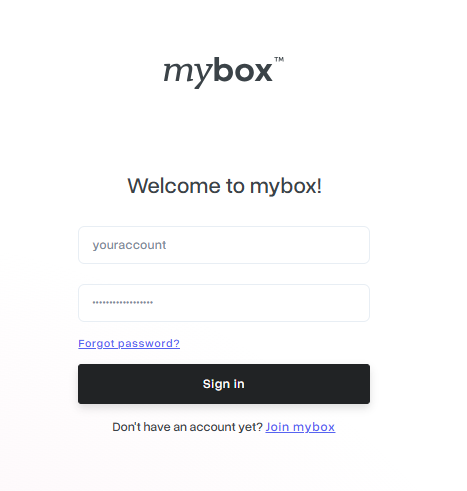
If two-factor authentication (2FA) is enabled on your account, you will be prompted to enter a 6-digit code from your authenticator app after the password step.
Forgotten password
Click Forgot password? on the login page. Enter your email address and a reset link will be sent to your inbox. The link is valid for 24 hours.
What’s next
Once logged in, you can manage your websites, set up email, configure databases, or purchase add-ons. If this is your first login, see What is the mybox panel and what is it for?