


If you want to change the password for your WordPress dashboard and you have the option to log in to the CMS script, all you have to do is click on “Hello, your name” in the upper right corner and select the “Edit profile” option in the first step.

On the page that appears, scroll down to the bottom where you will see the “Set New Password” item and the “Generate Password” button. Click on this button.
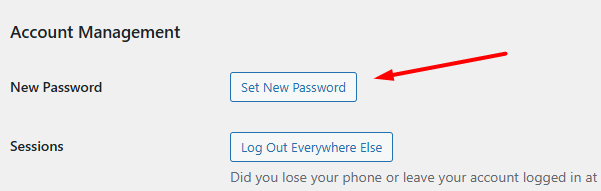

WordPress will generate a random secure password for you and display it so that you can keep it safe. Of course, the password field is edited, so if necessary, you can enter another password that is more convenient and easier for you to remember.

Finally, you confirm the operation by clicking on the “Update Profile” button located at the very bottom of the page.
Result
Your WordPress dashboard password will now be updated immediately. You can use the new password the next time you log in.