
We grew up on tech. Today we gained the courage to evolve our vision of what technology should stand for - serving your goals and simplifying digital presence.
We are announcing a new hosting category - born from your voice, shaped together and elevated into a product that shows what web hosting is about to become. Our vision of digital freedom has been unboxed.








Start Free. Scale smart.
No overpaying for a bigger plan “just in case”.
Three paths to get startedEndless ways to build your perfect fit
One seamless ecosystem
Join the community
of like-minded people
We know it’s good to ask
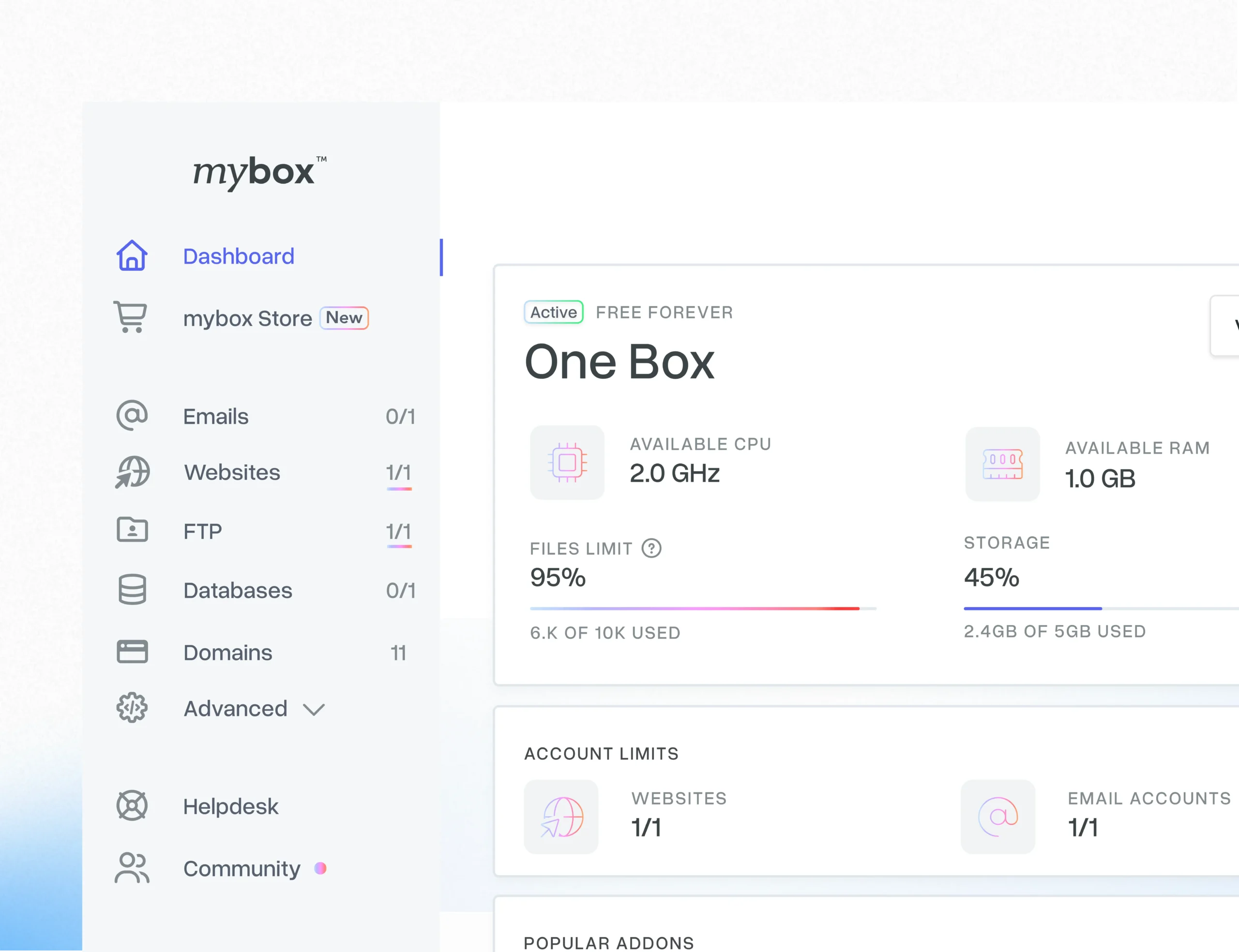
Yes, mybox starter plan - One Box is 100% free with no hidden fees. You get 5 GB SSD NVMe storage, 2 GHz CPU, 1 GB RAM, unlimited bandwidth (fair use) for your first website. Unlike competitors, we don't place ads on your site and all limits are clearly communicated upfront.
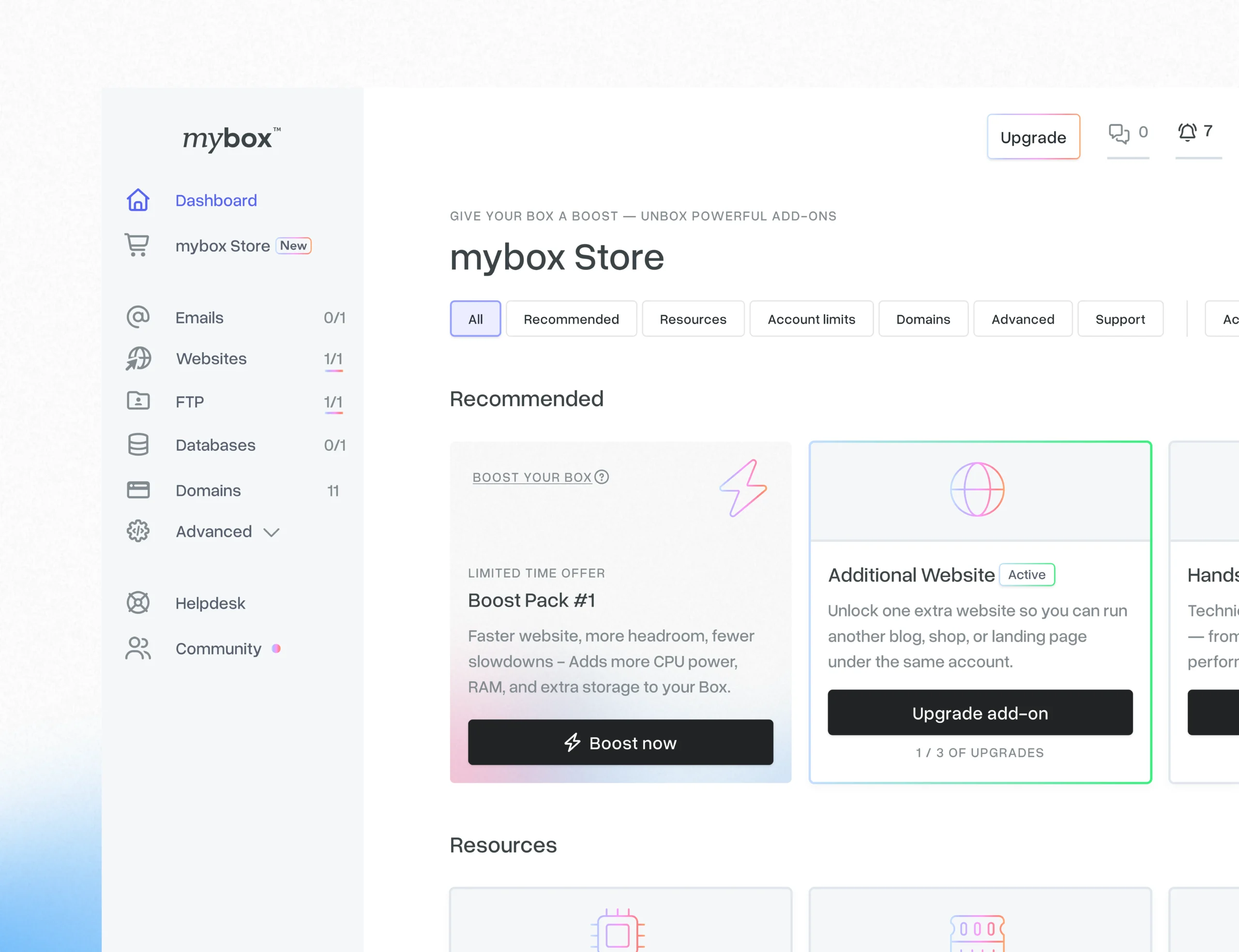
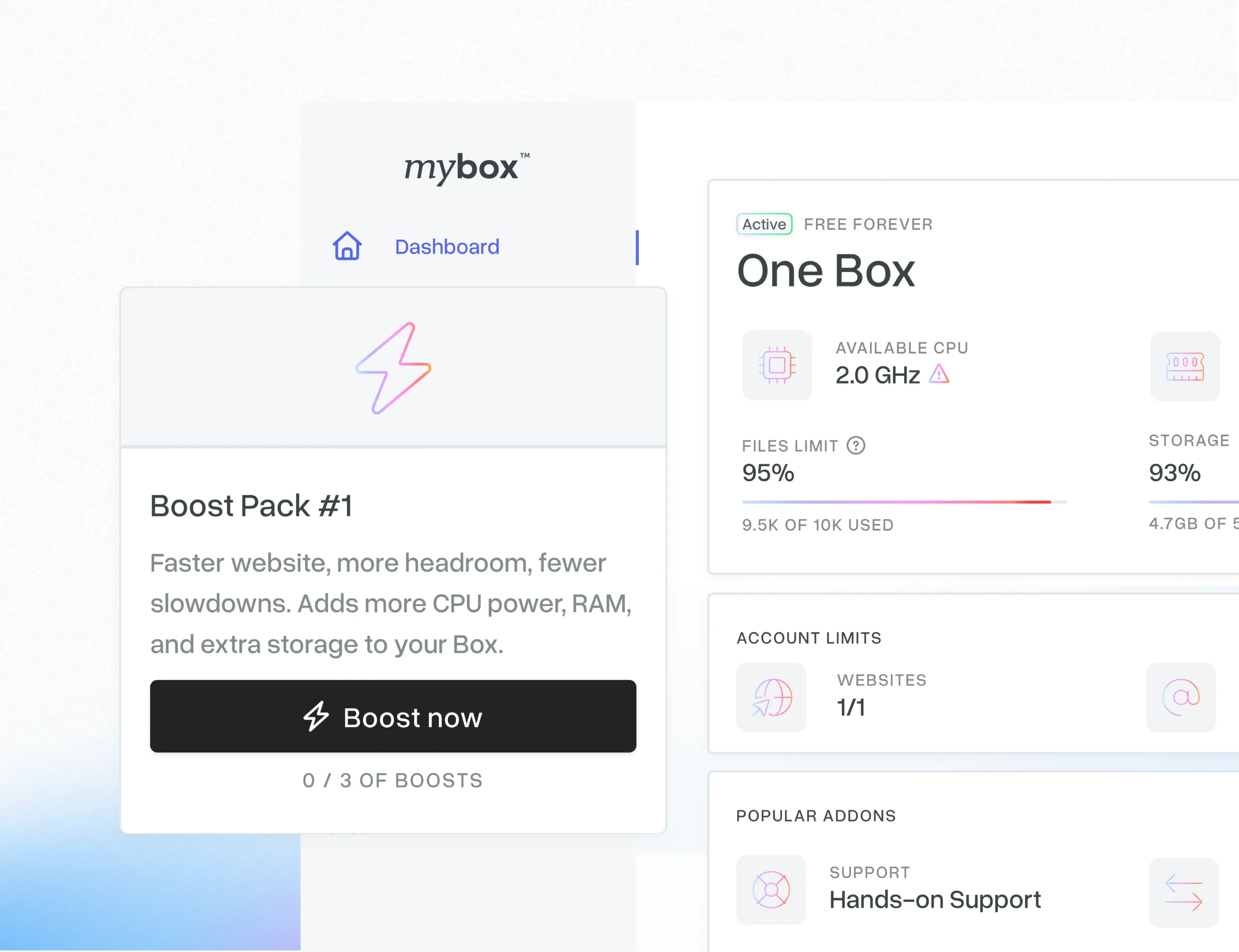
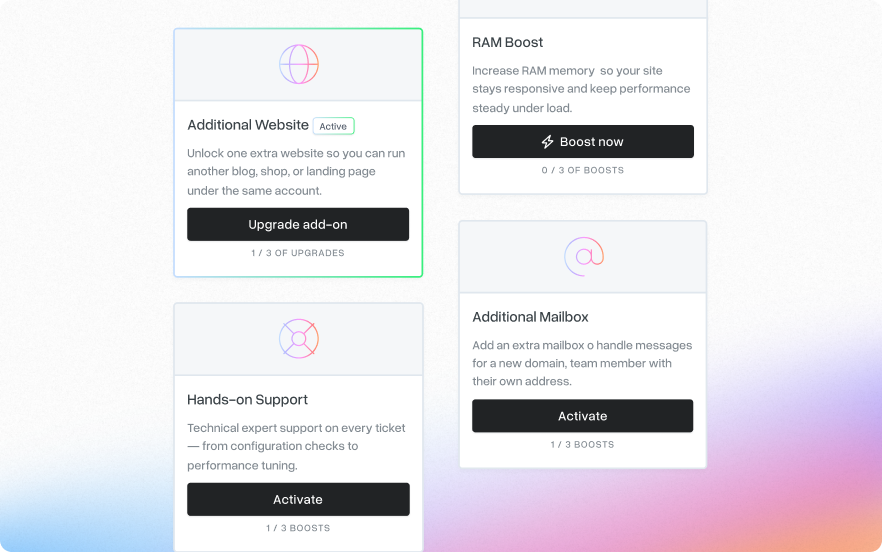
As your website grows, you may need more resources or advanced features - and mybox makes that easy. The freemium plan is modular, so you can expand it at any time by activating add-ons directly in your mybox panel. Need CRON jobs, extra disk space, or more CPU power? Just open the mybox Store in the panel and enable the upgrade you need. If you want a quick performance upgrade, choose a Boost Pack - a bundle that increases your CPU, RAM, and disk space in one step.
We recommend WordPress as the quickest way to get started. You can install it in minutes using the Autoinstaller in your mybox panel. Other popular CMS options are also available, including Joomla. If an app isn’t listed in the Autoinstaller, you can still upload it via FTP and create the required database in your mybox panel.
Option 1: Self-migration You'll have full access to FTP and our control panel where you can add websites and create or import databases. Simply download your files and database from your current provider, then upload them to mybox and configure your database connection. Option 2: Assisted migration In your mybox Customer Panel, activate the Website Migration add-on and complete the migration form. Our team will then contact you and guide you through the entire process to ensure your website is transferred smoothly to mybox.
Yes! Add your domain in Domains → Add Domain, then update your domain registrar's nameservers to: ns1.mybox.com ns2.mybox.com DNS propagation takes up to 24 hours. If you don't have a domain, we offer free subdomains (e.g., yourname.mybox.me) perfect for testing or personal projects.
mybox is built for high reliability and backed by 99.89% uptime SLA, designed with GDPR in mind to protect your privacy and personal data. Every website is automatically secured with a free SSL certificate (Let's Encrypt). mybox performs automatic backup with a 1-day retention - you can restore yesterday's backup directly in the Website module. We recommend creating manual backups before major changes.
All users can find help in our Knowledge Base (step-by-step guides), our community forum (Discord), and via our ticket system with AI-assisted support. If you need hands-on help from a technical specialist, you can activate a paid support add-on for your One Box. All support channels are available in multiple languages.